With the arrival of smartphones, kids have become smarter in handling technical devices, which is good. However, the story becomes different when kids use their phones excessively. It is a matter of concern for their parents. There is no doubt that children of the present time are getting more connected than ever. Compared to the 90s generation, kids today demand phones more than toys or video games.
Now, the main concern is not whether parents should look for social media monitoring tools or Smartphone tracking tools, but the question is how a parent can get all features in one device. No doubt, getting a monitoring tool is readily available in the market. But choosing an accurate one is a wise decision.
It is well-known that the most commonly used devices among teens are their smartphones, with an average mark of 56%, laptops at 50%, and tablets at 48%. It is hard to determine parents while monitoring these devices. Lots of parents have tried to limit their kids’ phones for good, but not everyone reaches the goal. It might be because they haven’t chosen the best phone tracking tool or have no idea how to operate it.
Many free social media monitoring tools or children’s activity trackers are available, and that too for free. You need to help yourself in choosing the perfect one. However, if you want to help your kids limit their screen time, read on to know more.
Free Social Media Monitoring Tools
mSpy

mSpy is far more than just a basic parental control app—it’s a comprehensive social media monitoring solution designed to help parents stay informed about their children’s digital activities. In addition to accurate screen time management, it allows users to track app usage, monitor messages, and view interactions across popular platforms like Instagram, WhatsApp, Facebook, and Snapchat.
One of its biggest advantages is its simplicity. Even first-time users can easily set it up and start monitoring, thanks to its intuitive interface and step-by-step instructions provided after installation. The app runs smoothly in the background while syncing data to an online dashboard, where parents can review activity in real time.
mSpy also helps promote healthier digital habits by allowing parents to manage screen time, detect risky behavior, and guide children toward safer online experiences. With its combination of ease of use, powerful features, and structured reporting, it remains one of the most reliable tools for social media monitoring.
Features:
- Block unnecessary apps
- Set the screen time
- Active locator
- Limits the browser’s actions, like you can block Firefox in your kid’s phone
- Parents can block distracting apps and games on their children’s mobiles
- Notifies you if your kids arrive home late or cross the zone areas
- You can block texting on Android devices
- Allows the limits screen to ensure less utilization of tech devices.
Pros:
- Screen time and manual blocking
- Available for both iOS and Android devices
- Filtering content is highly available
Cons:
- Limited features in free versions
eyeZy
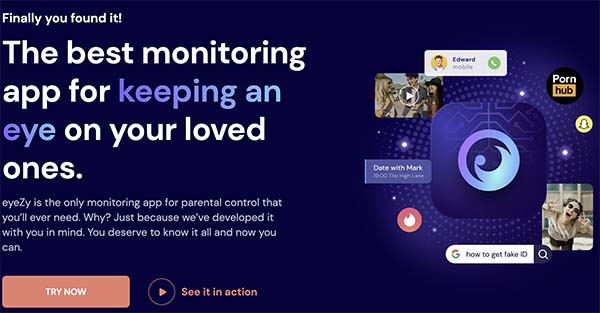
eyeZy is a powerful social media monitoring and parental control tool that enables parents to keep track of their child’s smartphone activities in real time. It provides detailed insights into app usage, messages, browsing behavior, and social media interactions, helping parents stay informed about their child’s digital life.
One of eyeZy’s standout features is its ability to not only monitor but also manage device activity. Parents can block apps or restrict access to content they consider unsafe, ensuring a safer online environment. The platform offers secure remote access through a user-friendly dashboard, allowing you to check updates anytime and from anywhere.
With its combination of real-time tracking, smart alerts, and control features, eyeZy serves as a comprehensive solution for parents who want both visibility and control over their child’s online behavior while promoting responsible device usage.
Features:
- Filtering: Restrict the activities performed unnecessarily by your kids on Smartphone
- Logging: It is the ability to access your kid’s activities online
- Alerts: Notify you if your child does any misconduct on his phone.
- Track Unwanted Activities: You can receive a notification related to unwanted activities
Pros:
- Instant notifications and alerts
- Manual settings
- Flexible content filtering
Spynger
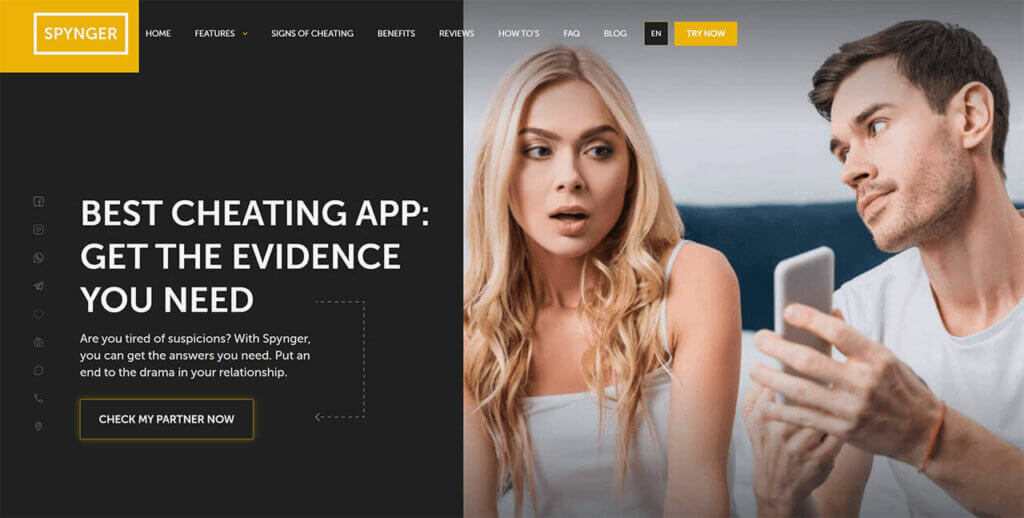
Spynger is a versatile monitoring tool designed to help parents keep track of their children’s activities on both Android devices and the iPhone. It provides access to key information such as messages, call logs, and app usage, allowing parents to understand when and how their kids are communicating. The platform presents all data in a clear, easy-to-use dashboard, making it simple to stay updated without needing technical expertise.
One of Spynger’s standout capabilities is its ability to retrieve and display deleted messages, giving parents deeper insight into conversations that might otherwise be hidden. This feature, combined with real-time monitoring and activity tracking, helps ensure that no important information goes unnoticed. By offering both visibility and control, Spynger supports parents in guiding safer and more responsible digital behavior.
Features:
- Access to monitor kids’ calls, texts, and messages
- Track the browsing data and history
- Limit the screen time for kids
Pros:
- You get access to various apps on kid’s phone
- View deleted messages as well
- No jailbreaking needed
Cons:
- No 24/7 customer support
- Can’t monitor the child’s activity on Facebook
- Images and videos sent as MMS cannot be previewed
KidsGuard Pro
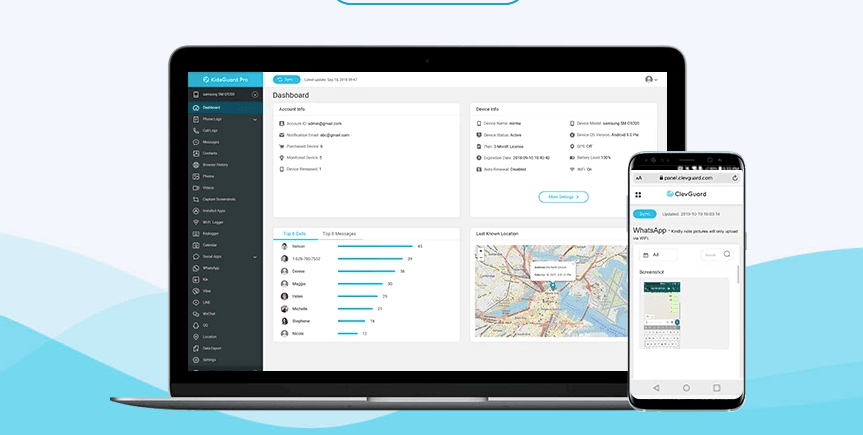
KidsGuard Pro may become popular, but it is not a whole star thing. With this app, you can set a schedule for your kids and block pornographic content.
Features:
- Location Tracking: Completely track the location of a target device with real-time details.
- App Blocking: You can block unwanted apps and software from your kids’ phones.
- Web Filtering: Parents can filter the content that they want their children not to browse.
- Geofencing: For kids’ safety, parents can mark the safe zones for them
- Record the Whole Day’s Activity: You can quickly check your kid’s activity on your phone whenever you get the time.
Pros:
- Accurate location tracking
- Prevents kids from screen addiction
- Maintain proper geofencing for kids
Cons:
- The iOS version is under developing
- Parents may need to switch to the premium version soon
- Children may know how to access it as it is quite easy to use
Mobicip
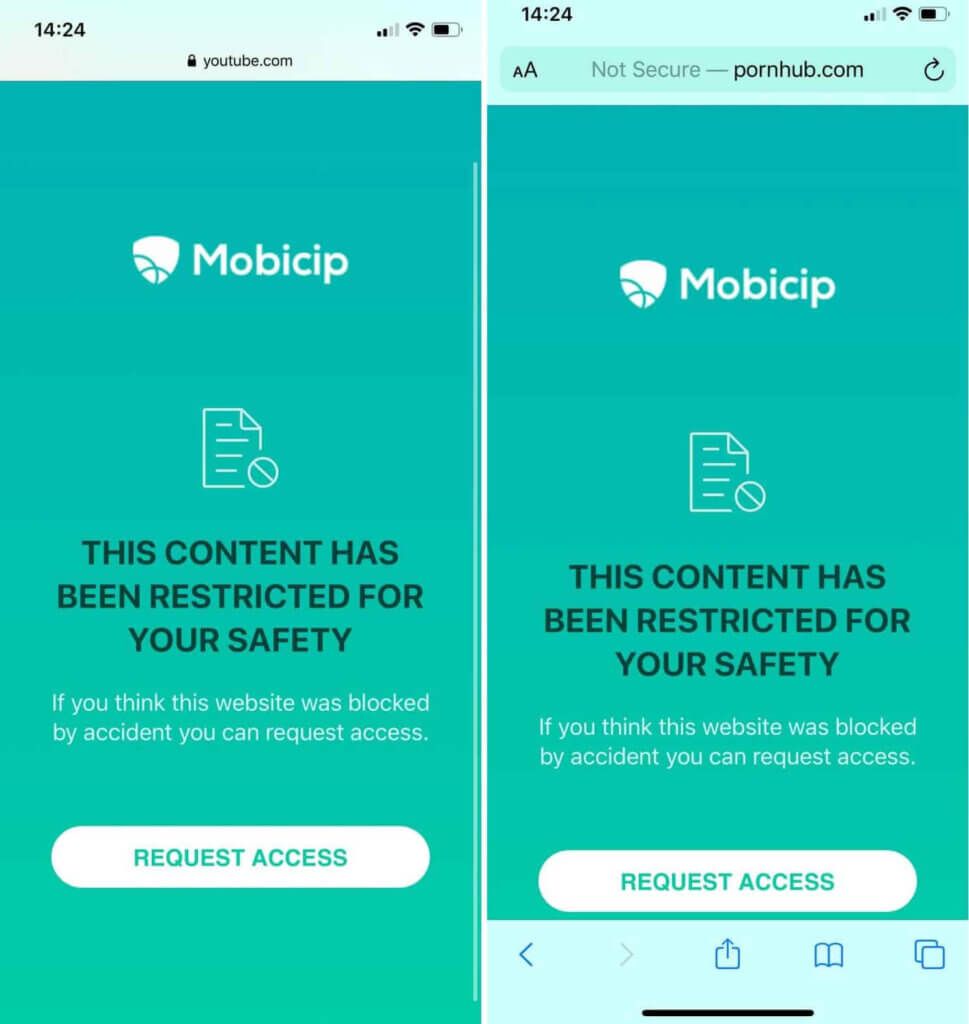
This free social media monitoring tool effortlessly manages screen time for kids and protects them from objectionable content available online. It is available for both Android and iOS devices. The control is an utterly parental control tool, and they can monitor their kids’ activities every minute.
Features:
- Set a daily screen limit for kids
- Lock all unnecessary software and apps instantly
- Track wherever your child goes
Pros:
- Free trial
- Reasonable price
- Co-parent access
Cons:
- No phone support
- Less monitoring features
- Not possible to monitor all social media platforms
However, with the availability of such social media monitoring tools, parents can easily decide how to protect their children in a digital world. Before installing such apps, parents need to educate themselves on what purpose for which a particular app is available. Don’t always go for free. Many apps have great features, but sound expensive to you. But they aren’t. Their functions would help you shape your kids’ future well and limit their phone accessibility. Have a look at five more of the best social media monitoring tools.
Best Social Media Monitoring Tools for Parents
It’s all about where you invest. These five best tools are the best-recommended ones that you can go with. Here you go.
Parentaler

Parentaler is a practical social media monitoring and parental control solution designed to simplify modern parenting in the digital age. It helps parents stay informed about their children’s online behavior by providing insights into social media activity, app usage, and overall device interaction. With its clean and user-friendly interface, parents can easily navigate through data and understand how their kids are spending time on their devices.
Getting started with Parentaler is straightforward. Once installed on both the parent’s and child’s devices—with mutual agreement—it begins syncing data to a centralized dashboard. From there, parents can monitor activity, set boundaries, and guide their children toward safer online habits. By combining ease of use with essential monitoring features, Parentaler offers a balanced approach that supports both supervision and trust.
Features:
- Prevents Cyberbullying: It tracks suspicious content and notifies you if your kid searches for any offensive content on social media sites or browsers.
- Tracks real-time locations: With access to know where your child is heading, this app helps you see complete location history and geofencing facilities
- Filtering Content: You can block any unnecessary apps or software that is not safe for your kids
- Limits Screen Time: Sets screen time on an hourly basis so that your child focuses on their studies well.
- Suspicious Activity: You can track your kids’ unwanted activities on smart devices
Pros:
- No jailbreaking required
- Provides results quickly
- Friendly user interface
Cons:
- Not compatible with all devices
- Limited features for iOS devices
Net Nanny
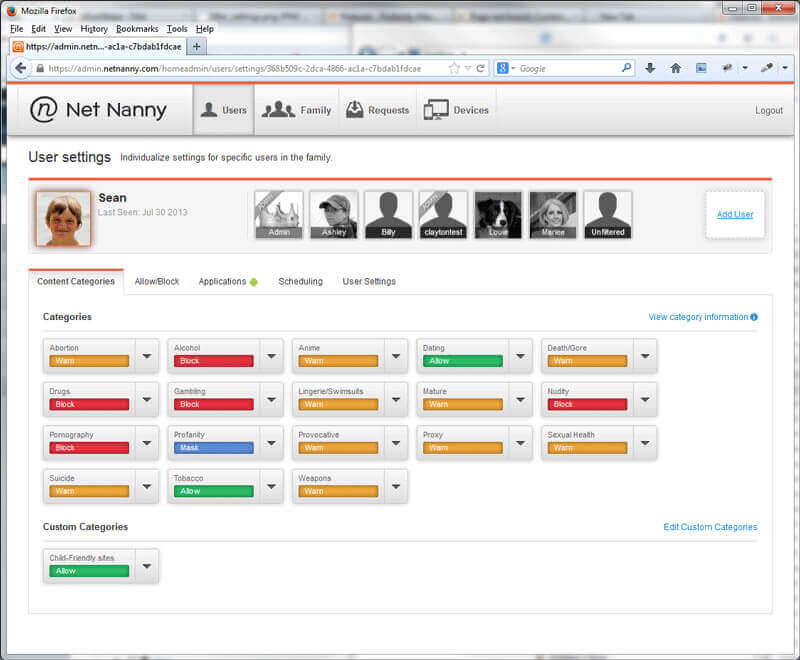
Parents can make use of Net Nanny to view their kids’ activities without letting them know. This free social media monitoring tool is designed for parents to monitor their kids when they are away from them.
Features:
- Parents have complete access to their kids’ device
- Filter unnecessary content, such as blocking adult or pornography content
- It provides constant push notifications and alerts to parents about their kids’ online activities
Pros:
- Accessed from any personal computer
- Website blocking abilities
- Accurate user interface
Cons:
- Expensive after the free trial is over
- The location feature is not reliable
KidLogger

It is another useful app for parents to monitor social media sites, permitting them to get notifications of the whereabouts of their kids.
Features:
- Web history monitoring
- Real-time tracking of your kids’ location
- Capture screenshots of your child’s phone activities
- Easily monitor messengers
Pros:
- Suitable with several OS
- Has an essential monitoring feature
- Simple to install
Cons:
- The website is not easy to use
- Limited to iOS devices
- No content filtering option
uKnowKids
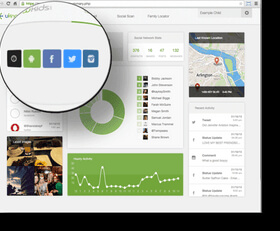
It is one of the professional and impressive tools that offer many features.
Features:
- Easily monitor all social media platforms
- Real-tile location notifications
- Digital safety abilities
Pros:
- Strong iOS Support
- Track all social media sites
- Tracks calls and texts on a smartphone
Cons:
- No support for Android tablet
- Unreliable in geofencing testing
- No iCloud backups
Mobistealth
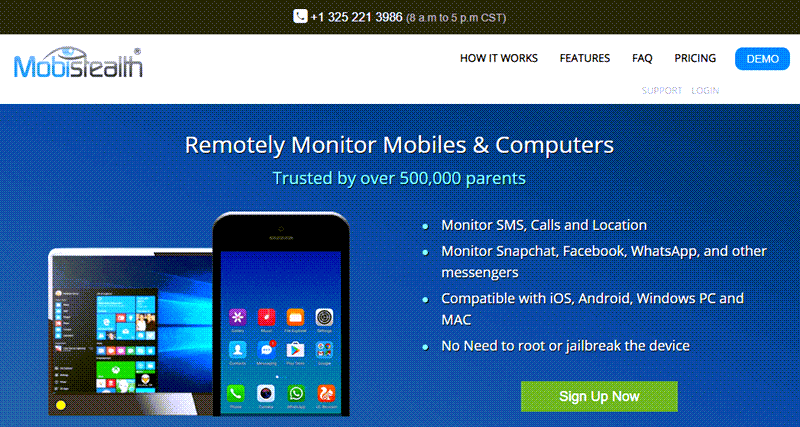
It features keyword tracking and easily tracks social media platforms.
Features:
- Historical location tracking
- No rooting required
- Phone wipe capability
Pros:
- Easy to use
- Capture deleted content
- Track keystrokes
Cons:
- Jailbreaking required
- Unable to track Skype and Viber
- It is expensive
Conclusion
In conclusion, social media monitoring tools have become essential for parents who want to better understand and guide their children’s online behavior. Platforms like Instagram, TikTok, and messaging apps expose kids to a wide range of content and interactions, making it important to stay informed without being overly intrusive. Free social media monitoring tools offer a practical starting point, helping parents track activity, identify potential risks, and encourage safer digital habits.
For more advanced needs, tools such as mSpy, eyeZy, Parentaler, and Spynger provide deeper insights into social media usage. These platforms allow users to monitor messages, track app activity, and even view shared media, offering a more comprehensive understanding of online interactions. Many of them also include features like alerts, screen time control, and location tracking, making them well-rounded solutions for digital supervision.
Ultimately, the goal of using these tools is not just monitoring, but guiding. When combined with open communication and clear boundaries, they can help parents teach children the difference between safe and risky behavior online. By choosing the right tool and approach, families can create a healthier and more secure digital environment.
How useful was this post?
Click on a star to rate it!
Average rating / 5. Vote count: