YouTube is home to an enormous collection of high-quality videos, including content available in stunning 4K resolution. From travel documentaries and nature footage to gaming, tutorials, and cinematic productions, 4K videos deliver sharper details, richer colors, and a more immersive viewing experience than standard HD. As more creators upload ultra-high-definition content, 4K has become the preferred format for viewers who want the best possible image quality.
However, streaming 4K videos requires a fast and stable internet connection, and it also consumes significantly more bandwidth than lower resolutions. If you’re traveling, have limited internet access, or simply want to watch videos offline without buffering, downloading 4K YouTube videos can be a practical solution. Saving videos locally also ensures you can continue enjoying your favorite content even if it becomes unavailable online.
To do this, you’ll need a reliable 4K YouTube video downloader. The best tools support high-resolution downloads, fast processing speeds, multiple output formats, and user-friendly interfaces. Some even allow you to download playlists, subtitles, and audio files alongside the video.
In this guide, we’ve selected the best 4K YouTube video downloaders available today. We’ll compare their key features, performance, supported platforms, and overall usability to help you choose the right tool for downloading high-quality YouTube videos for offline viewing.
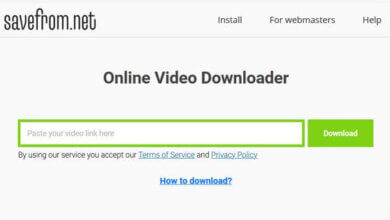
Online Video Downloader
One of the best 4K YouTube downloaders in the market is Online Video Downloader. It has a lot of features that will help you easily download 4K/HD videos from YouTube and other online video streaming sites. The following are some noticeable features that make Online Video Downloader the best solution for downloading 4K videos:
- It can download videos from YouTube as well as other video-sharing sites like Vimeo, Twitter, Facebook, Instagram, Tumblr, and more.
- It can download videos from YouTube in a variety of resolutions including 4K and 8K.
- It can download multiple videos at a time or save a complete YouTube playlist.
- It can download subtitles and thumbnails together with the YouTube video.
To save 4K videos from YouTube for enjoyment without an internet connection, follow these simple steps:
Step 1: Download and install Online Video Downloader on your computer, then launch the program.
Step 2: Go to YouTube and locate the 4K video you would like to download. Open the video and then copy its URL.
![Top 8 Best 4K YouTube Video Downloaders [2022 Update]](https://www.getappsolution.com/images/20220131_61f74a3785219.webp)
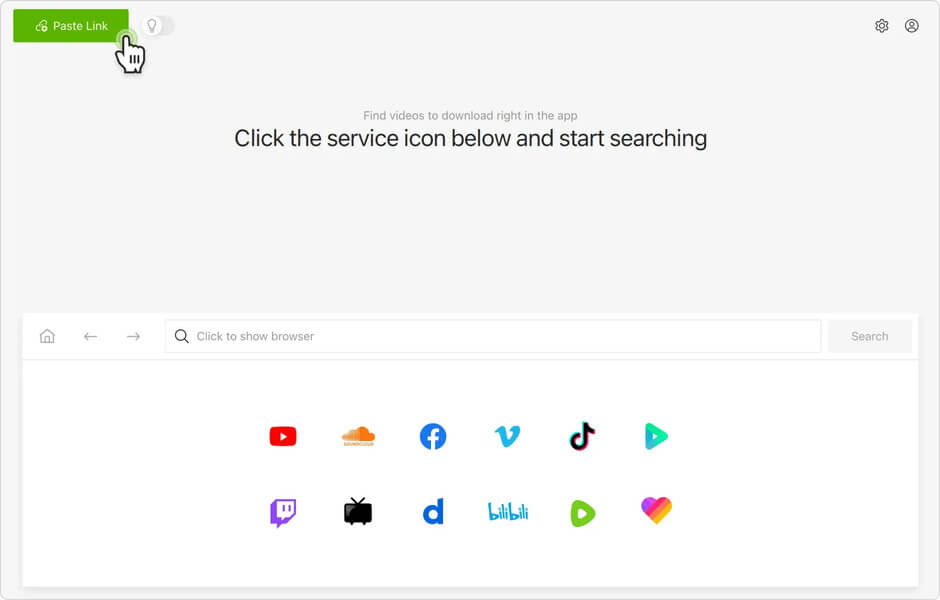
Step 3: Now go back into the 4K Video Downloader and click “+ Paste URL” in the upper corner to paste the video’s URL into the program.
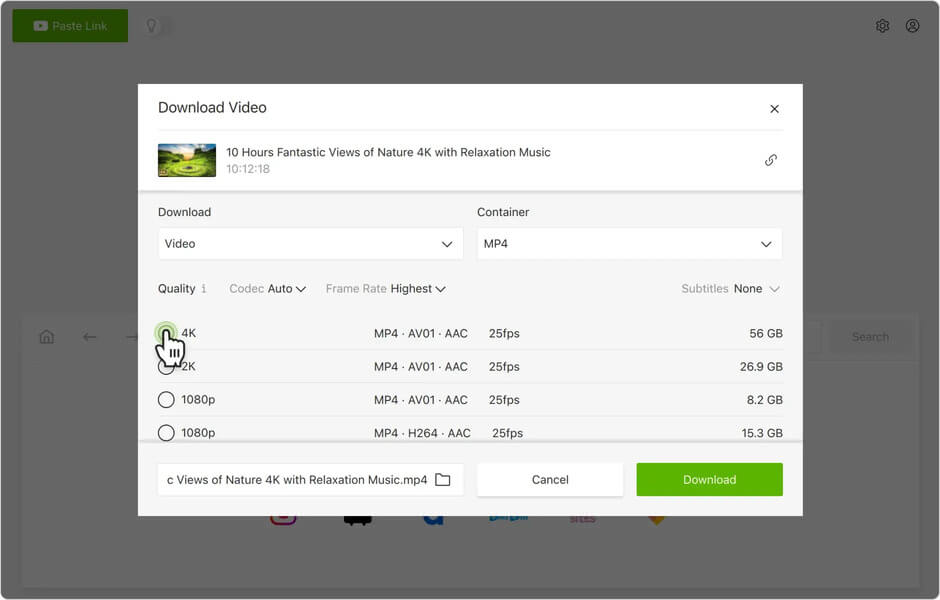
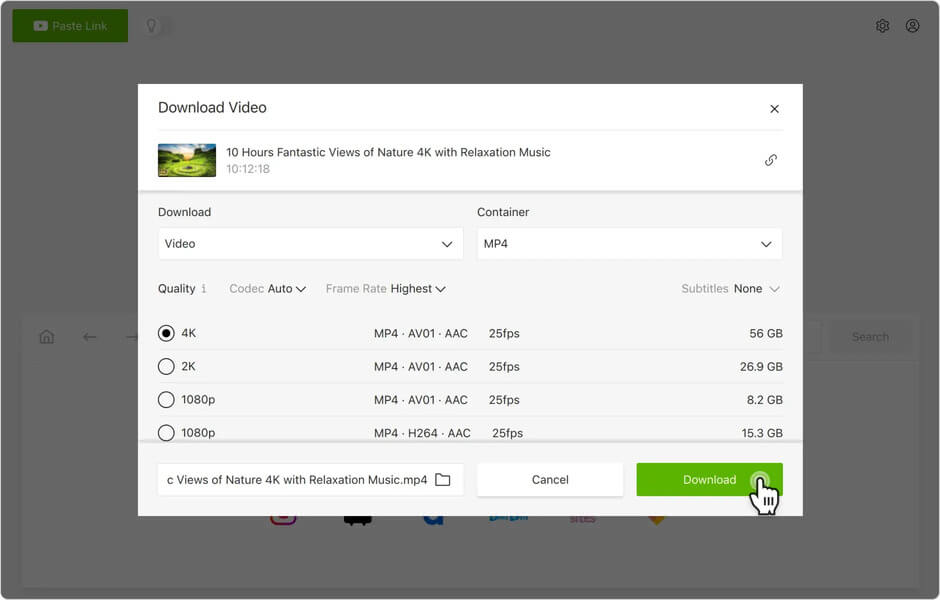
Step 4: Select the resolution and other settings in the popup window that appears, then click “Download” to begin downloading the 4K video to your computer.
iTubeGo YouTube Downloader
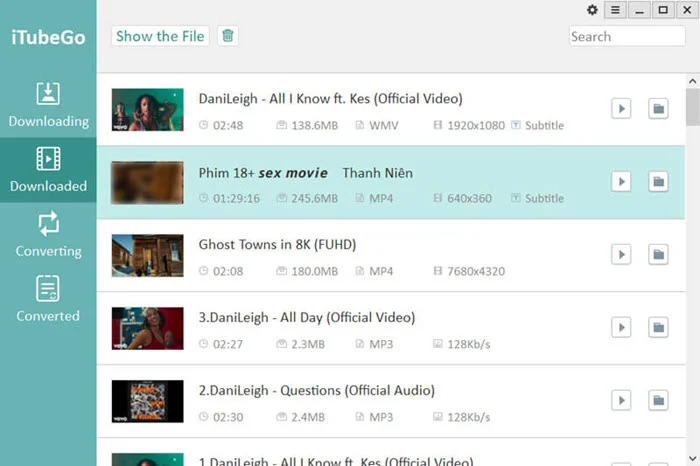
iTubeGo YouTube Downloader is a versatile and powerful desktop application designed to simplify the process of downloading videos from YouTube and other popular video-sharing platforms.
With its user-friendly interface and robust features, iTubeGo has become a go-to solution for users who wish to enjoy their favorite online videos offline, whether it’s for personal entertainment, educational purposes, or content creation.
iTubeGo YouTube Downloader offers a seamless experience, allowing users to search, browse, and download videos in various resolutions and formats. It stands out with its ability to handle batch downloads, making it incredibly efficient for users who want to save entire playlists or channels. iTubeGo also provides advanced settings that cater to the specific needs of tech-savvy users, while remaining accessible to those who prefer a more straightforward approach.
Allavsoft Video Downloader
With Allavsoft Video Downloader, you can download videos from hundreds of sites including YouTube. As long as the website has video content, this program can download the video. It can download videos in several formats including 4K and can also be used to convert videos to a variety of different formats. This tool also supports downloading multiple videos at the same time as well as downloading entire playlists.
![Top 8 Best 4K YouTube Video Downloaders [2022 Update]](https://www.getappsolution.com/images/20220131_61f74a39af0bf.webp)
SnapDownloader
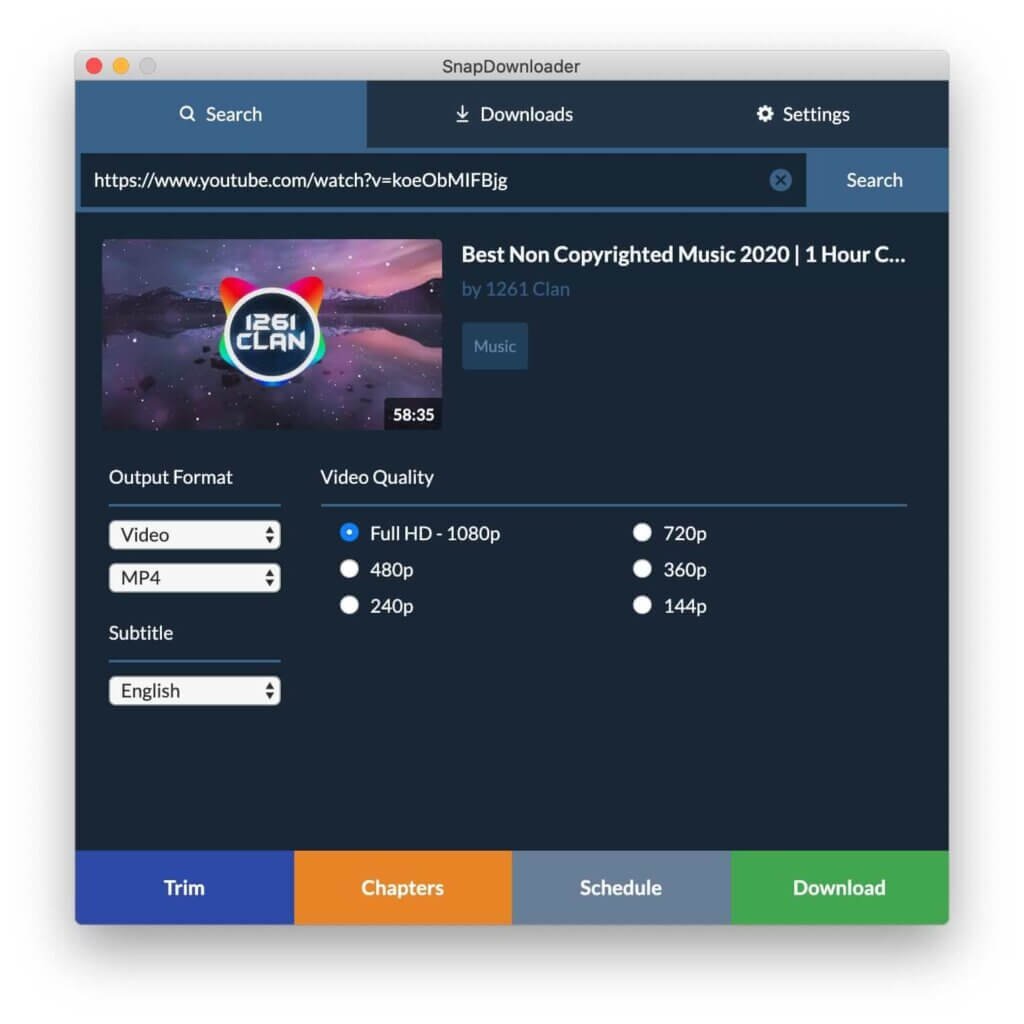
SnapDownloader is one of the fastest 4K video downloaders in the market and works with a wide variety of video-sharing sites. It can be used to download multiple videos at the same time and even convert the videos to other formats. It is also completely free to download and use.
YTD Video Downloader
YTD Video Downloader is also a free tool that you can use to easily download and convert 4K videos from YouTube. Although it is free to use, you will have to get the premium version if you want to download videos faster, remove the ads or download multiple videos at once. It may also be a bit difficult to use, especially for beginners.
![Top 8 Best 4K YouTube Video Downloaders [2022 Update]](https://www.getappsolution.com/images/20220131_61f74a391bbe5.webp)
Airy YouTube Downloader
Airy is another easy-to-use solution when you want to download 4K videos from YouTube. All you have to do is paste the video URL into the program and hit “Download” to save the video. In the settings, you can select the quality of the output video and choose the folder you would like to save the downloaded folder.
This tool also allows users to download multiple videos at the same time by simply pasting multiple URLs in the program. It also has features that allow users to download an entire playlist from YouTube and convert videos to other formats very easily.
![Top 8 Best 4K YouTube Video Downloaders [2022 Update]](https://www.getappsolution.com/images/20220131_61f74a3966c0d.webp)
4K Video Downloader
4K Video Downloader is another great tool that you can use to download 4K Videos from YouTube and other video-sharing sites. One of the main benefits of this program is that it is constantly getting updates, and now you’re allowed to download videos with subtitles as well as longer playlists with captions. This tool is very simple to use. To download a video, simply copy its URL and click “Paste URL”, then select an output format.
![Top 8 Best 4K YouTube Video Downloaders [2022 Update]](https://www.getappsolution.com/images/20220131_61f74a3847aac.webp)
aTube Catcher
aTube Catcher is a completely free tool that you can use to download 4K videos from YouTube and other streaming sites. Please note that it carries adware abounds during the installation. So be careful to install the program on your computer.
However, this tool still has many cool features, such as converting downloaded videos to a wide range of popular formats. In addition to this, you can download videos in batches, record on-screen videos, merge videos and burn videos to DVD.
![Top 8 Best 4K YouTube Video Downloaders [2022 Update]](https://www.getappsolution.com/images/20220131_61f74a38d1a9d.webp)
WinX YouTube Downloader
WinX YouTube Downloader is a clear and powerful tool for downloading 4K videos from YouTube. Even though it is free, this program comes packed with video downloads and conversion to rival even the most expensive video downloaders in the market. You can use it to download videos from numerous sites including YouTube, Facebook, Instagram, and more.
Downloaded videos can be converted to other formats very easily and quickly. Although there are some features that you have to pay to access, this free YouTube downloader is highly recommended.
![Top 8 Best 4K YouTube Video Downloaders [2022 Update]](https://www.getappsolution.com/images/20220131_61f74a39eeff8.webp)
Conclusion
In conclusion, a reliable 4K YouTube video downloader can make offline viewing more convenient, especially when you want to enjoy high-resolution videos without buffering or an internet connection. The tools featured in this guide offer different strengths, including support for 4K downloads, fast processing speeds, multiple output formats, and compatibility with a wide range of devices. By comparing their features, you can choose the downloader that best matches your needs.
Before downloading any content from YouTube, it’s important to respect copyright laws and the platform’s Terms of Service. In general, you should only download videos that you own, have permission to use, are in the public domain, or are made available for download by the creator or through YouTube’s official offline features. Always ensure that your use of downloaded content complies with applicable laws and the rights of the original content creators.
By using trusted download tools responsibly, you can enjoy high-quality videos offline while respecting intellectual property and supporting the creators who produce the content you enjoy.
How useful was this post?
Click on a star to rate it!
Average rating / 5. Vote count: