
Otključivač iOS-a

Kako otključati Face ID dok spavate?
From iPhone X to the later models (iPhone 17/17 Pro/17 Pro Max), Apple has been using Face ID instead of…
Pročitajte više »
Kako resetirati lozinku za Apple ID na iPhoneu, iPadu ili Macu
Apple ID and password are vital when it comes to accessing and using most of the software and even hardware…
Pročitajte više »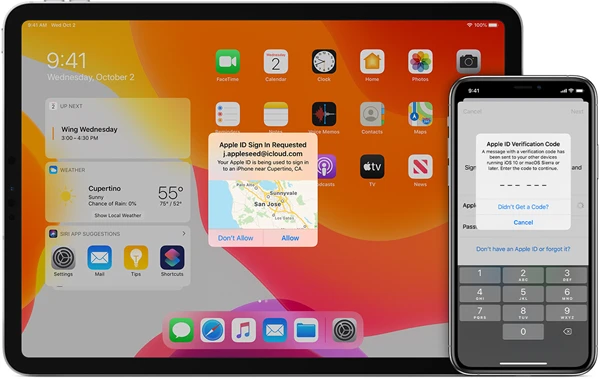
Kako isključiti dvofaktorsku autentifikaciju na iPhoneu?
One of the selling points of Apple devices is the importance it places on users’ data security and privacy. Two-factor…
Pročitajte više »
Kako isključiti funkciju Pronađi moj iPhone bez lozinke
The Find My iPhone feature in iOS devices is one of the most important features simply because it can help…
Pročitajte više »
Ovaj iPhone je povezan s Apple ID-om, kako ga zaobići
If you have purchased a second-hand iPhone, you may have seen the error code “This iPhone is linked to an…
Pročitajte više »
Kako isključiti zaključani zaslon na iPhoneu sa/bez lozinke
One of the most important ways to protect your iPhone is to implement a passcode. However, there are times when…
Pročitajte više »
5 jednostavnih načina za rješavanje problema s neispravnom lozinkom za iPhone
“When I entered my passcode, the same passcode I have been using for 3 years, it was wrong…now my iPhone…
Pročitajte više »
5 metoda za brisanje iPhonea bez lozinke (podržano za iOS 18/iOS 26)
You may want to erase an iPhone 16/15/14/13/12/11/XS/XR/X/8 or iPad Pro/Air/mini for various reasons. For example: You are going to…
Pročitajte više »
Kako provjeriti je li iPhone otključan bez SIM kartice
Choosing to purchase a second-hand iPhone is an affordable way to get your hands on a great device. But before…
Pročitajte više »
Kako ući u zaključani iPhone bez lozinke
You choose to set a passcode on your iPhone to protect the information on the device. However, you will be…
Pročitajte više »